The Movement Lab, Stanford
Paper Code

HomeBody: A Humanoid That Explores, Remembers, and Acts on Its Own

A common approach to humanoid autonomy follows a three-part architecture: a System 2 VLM processes visual observations and instructions, a learned System 1 VLA produces commands, and a System 0 controller executes coordinated motion.

As frontier VLMs such as Astra become more capable, we ask whether a learned VLA is still needed between high-level reasoning and the robot’s skills. Can System 2 directly orchestrate a library of reusable motor skills?

We present HomeBody, a system that equips frontier VLMs with persistent spatial memory and composable humanoid skills for long-horizon tasks. In a previously unseen kitchen, our system allows a Unitree G1 guided by GPT Astra to clean up across the room and retrieve a remembered object from an underspecified request, without environment-specific training data or additional policy learning.

A System 2 VLM feeds a System 1 VLA, which feeds a System 0 whole-body tracking policy. HomeBody instead connects a replaceable VLM to navigation, picking and drawer-opening skills, with observations and outcomes returned to the model.
A learned action pipeline connects a System 2 VLM to a System 1 VLA and a System 0 whole-body tracking controller. HomeBody replaces that chain with a plug-and-play VLM calling a composable skill library. Robot poses are illustrative.
01

Long Horizon Humanoid Loco-Manipulation

Long-horizon loco-manipulation takes a humanoid beyond what its ego view can show. To act across a room, it needs an internal spatial model that connects visible objects with remembered locations and helps resolve ambiguous requests. This context guides where to go, what to act on and how to sequence walking and manipulation. HomeBody combines that spatial memory with composable skills whose execution feedback lets the VLM revise its next decision when an action or transition fails.

More coming soon!
1 / 2

Tidy the kitchen

Clean up all of the coffee bags and put them in the middle, and throw away all of the milk and orange juice cartons that have gone bad.

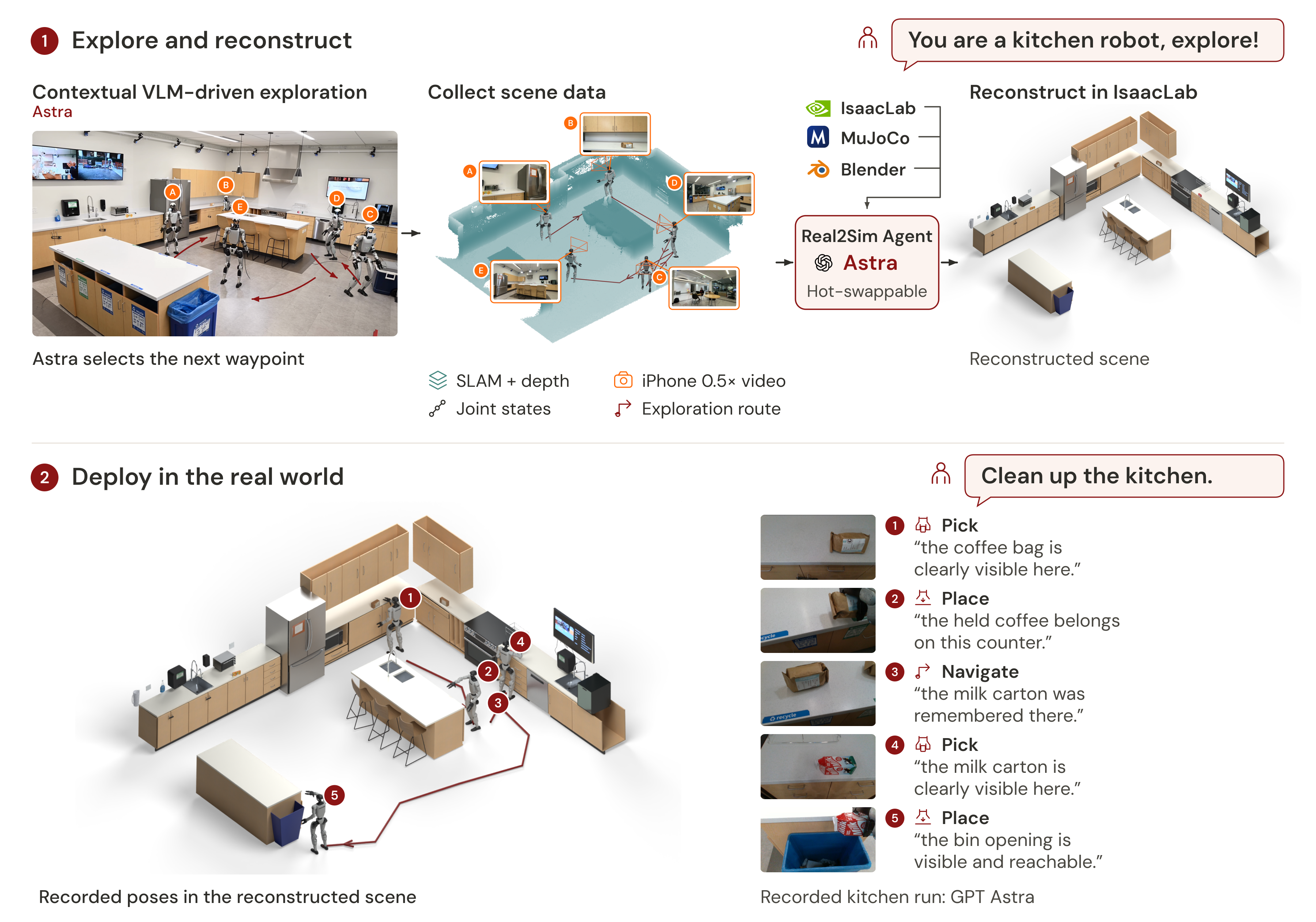
Cleaning the kitchen means deciding what to keep, what to throw away and how to move each object to the right place. HomeBody gathers the coffee bags on the island and discards the specified cartons, coordinating repeated trips, grasps and placements across the room. Its view changes with every move, so memory and action feedback help it track what is done and what still needs attention.

  • Multi-object cleanup
  • Task sequencing
  • Navigation + manipulation

Retrieve the medicine

I forgot my medicine, can you get it for me? Also throw out the bad carton while you are at it.

The medicine is initially out of view. HomeBody uses stored keyframes to locate the drawer, retrieves the medicine, hands it to the person, and then discards the carton. Across the room, it uses the right hand to grasp the drawer handle and open the drawer, then the left hand to discard the carton. Selecting between the two arms lets it access targets on both sides of the body.

  • Occluded object
  • Memory retrieval
  • Right-hand drawer opening
  • Left-hand carton disposal
  • Left- and right-hand skills
02

How to Deploy

Step 1. Explore

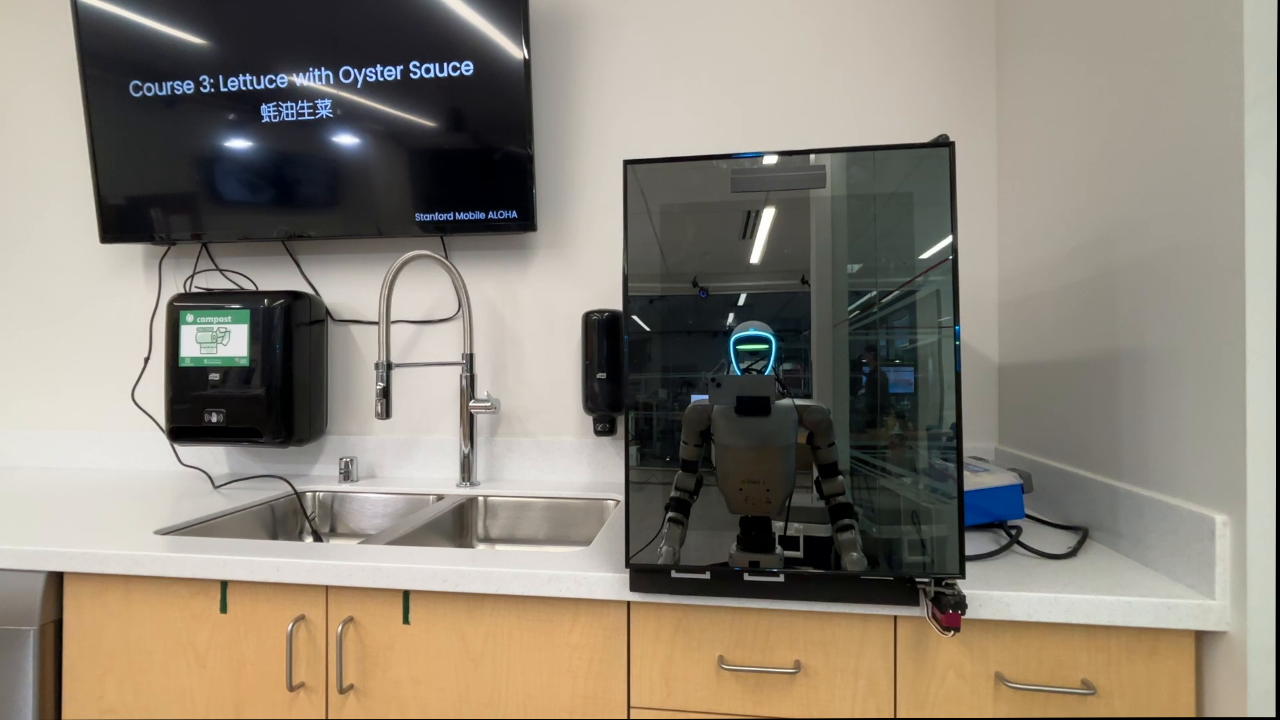
First, we give the humanoid context about its role and let it explore an unseen environment. HomeBody collects 0.5× iPhone video, D435i camera observations, LiDAR scans with SLAM, joint poses and waypoints chosen by Astra. Exploration captures the room from the humanoid’s own viewpoint, grounding its spatial context in what it can see as it moves and interacts with the space. HomeBody retains this context when objects leave the ego view.

Exploration instruction

You are a kitchen robot, please explore the space!

HomeBody guides exploration of the kitchen, choosing useful viewpoints and saving observations for later tasks.

Step 2. Real2Sim

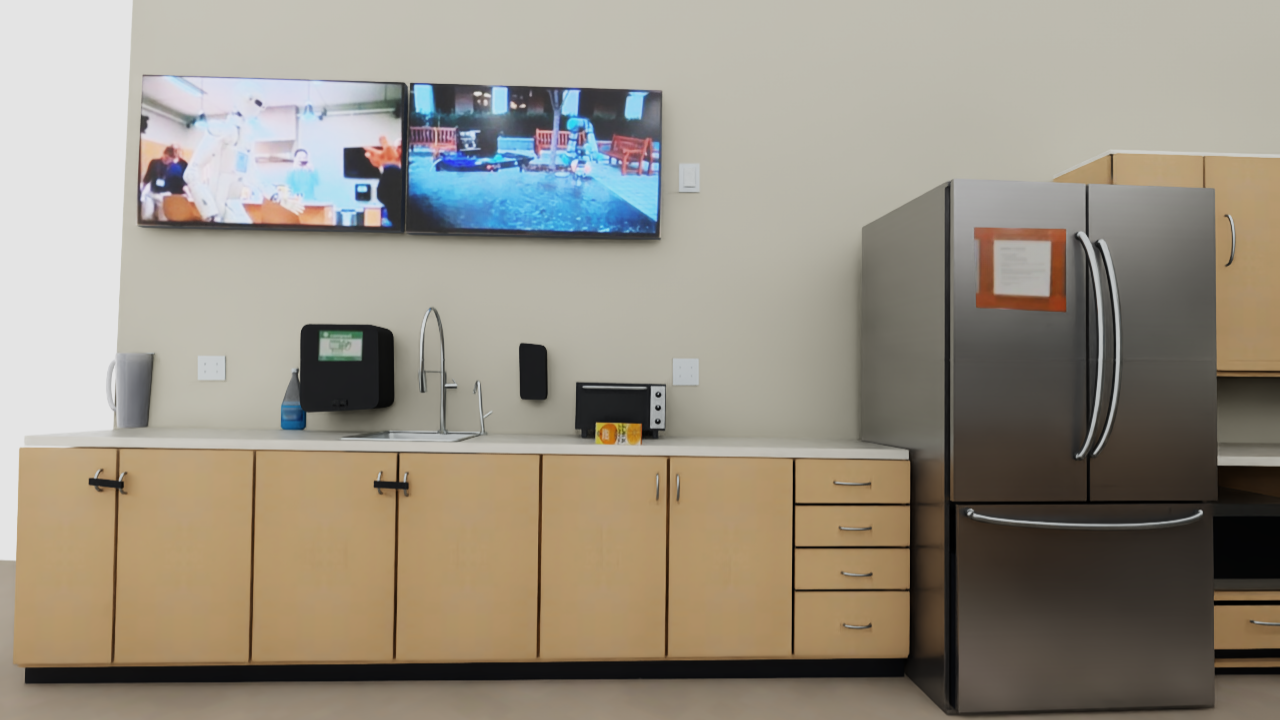
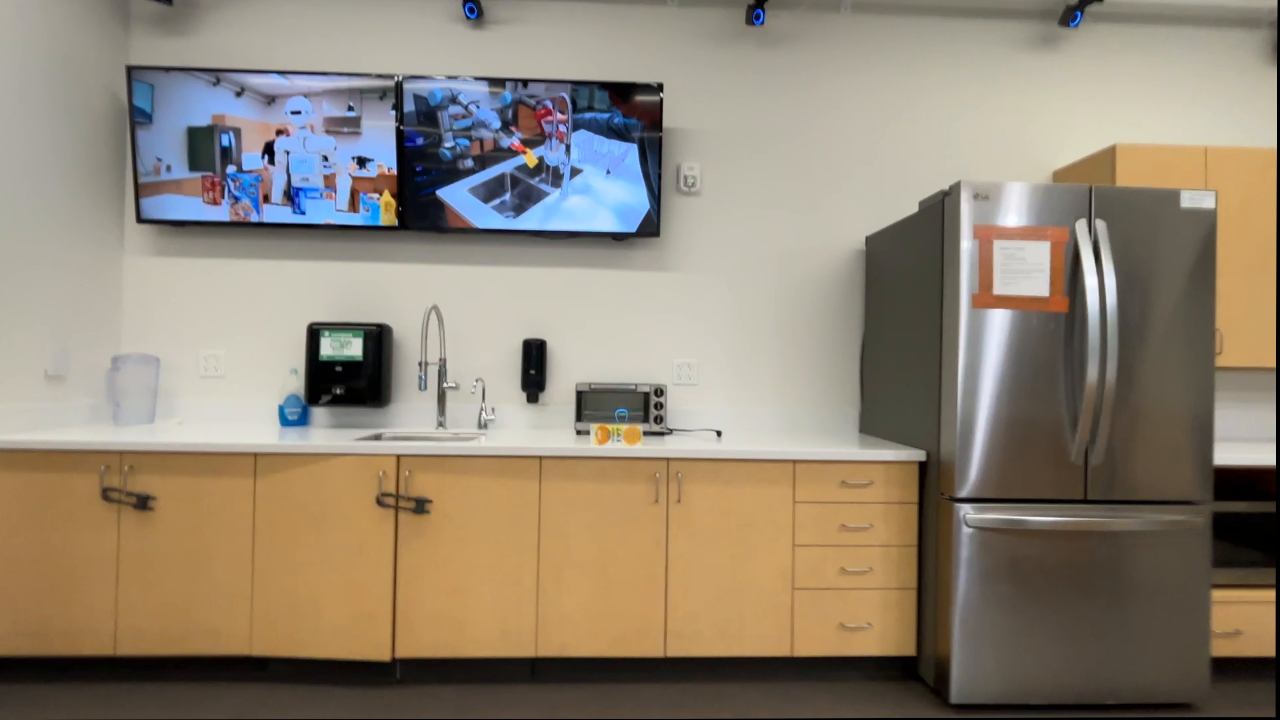
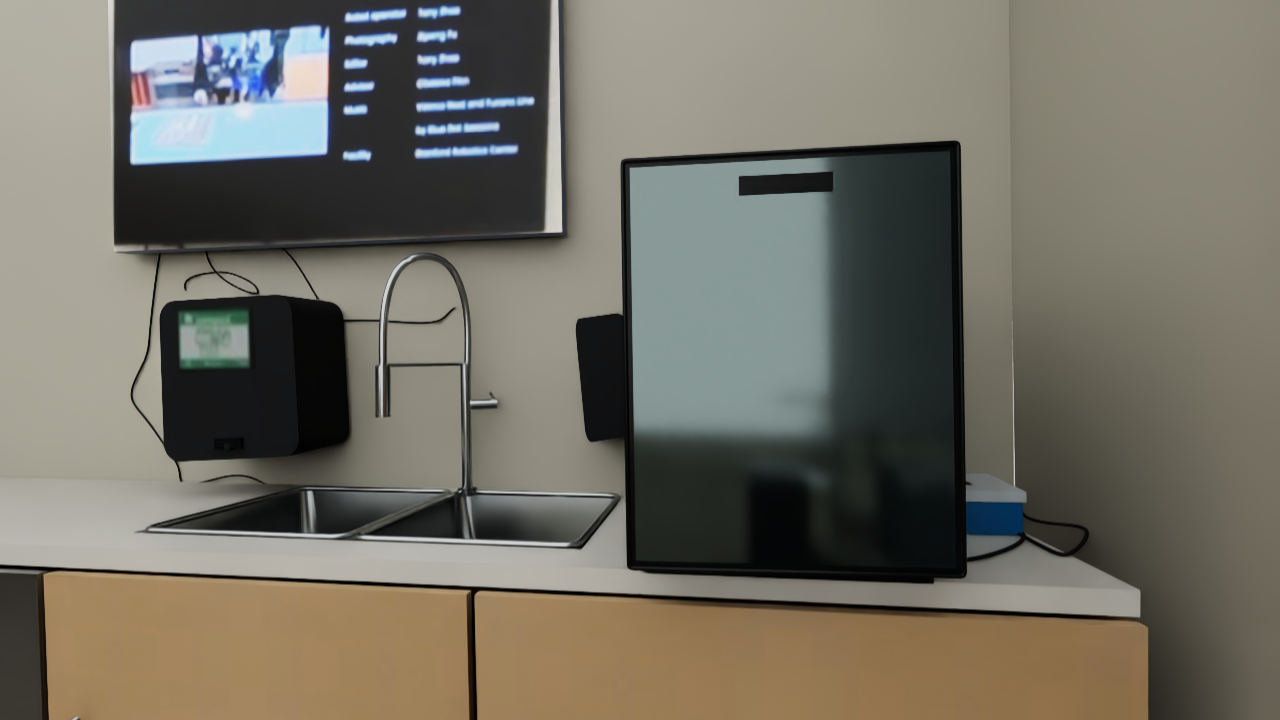
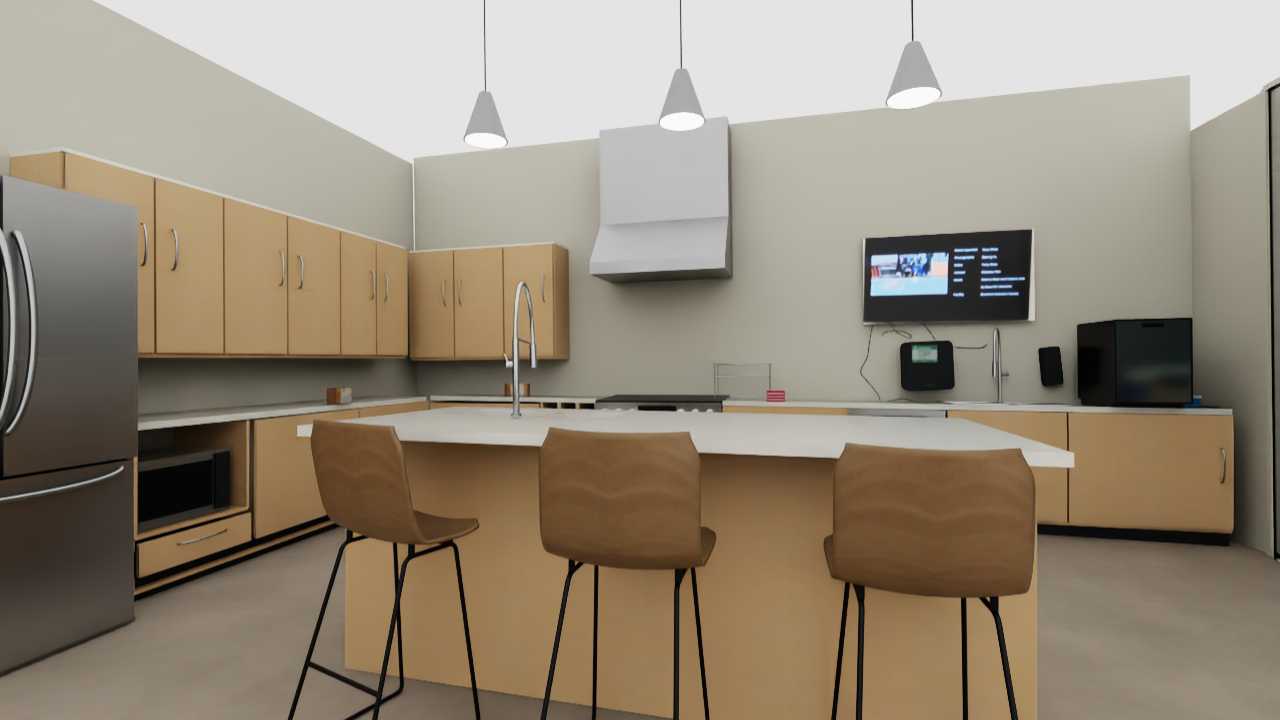
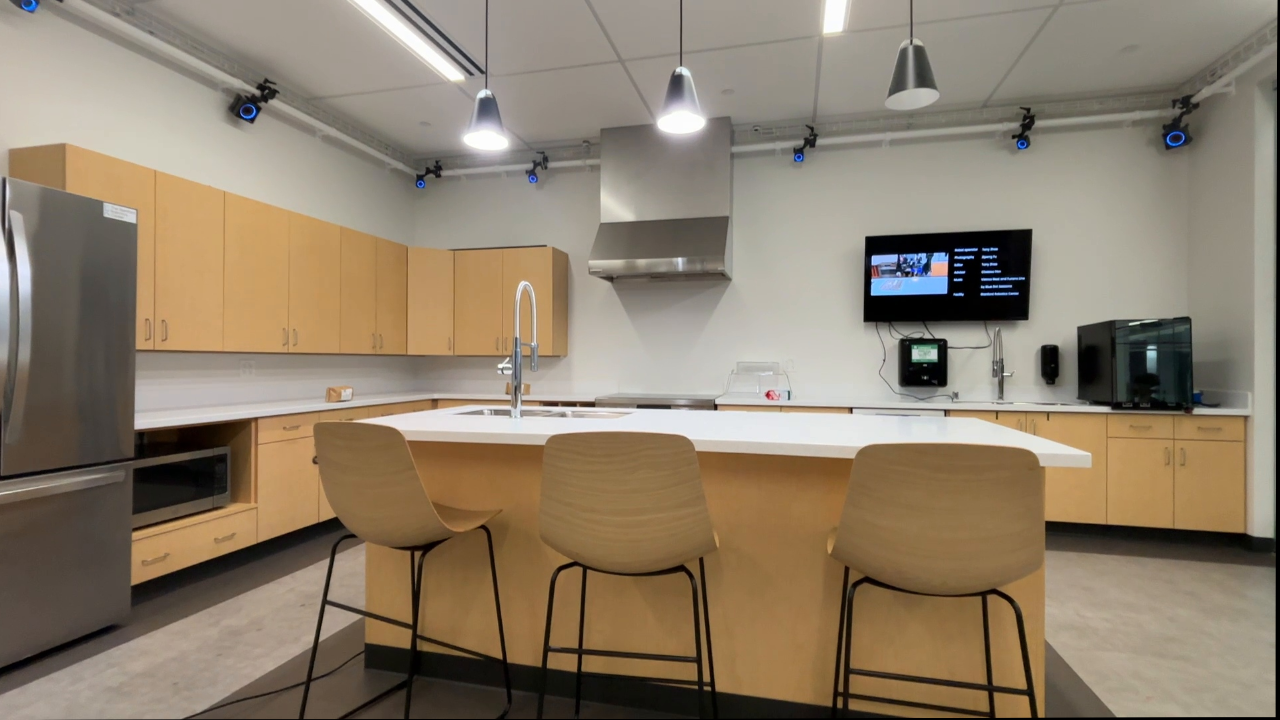
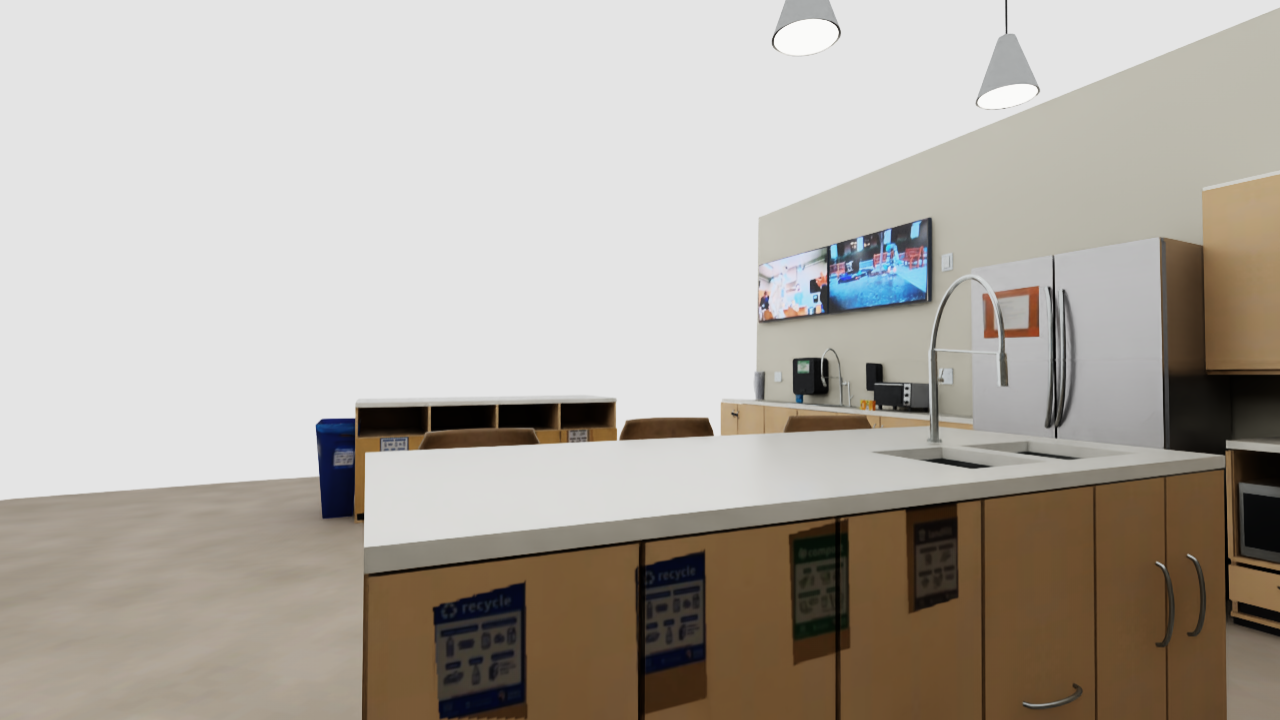
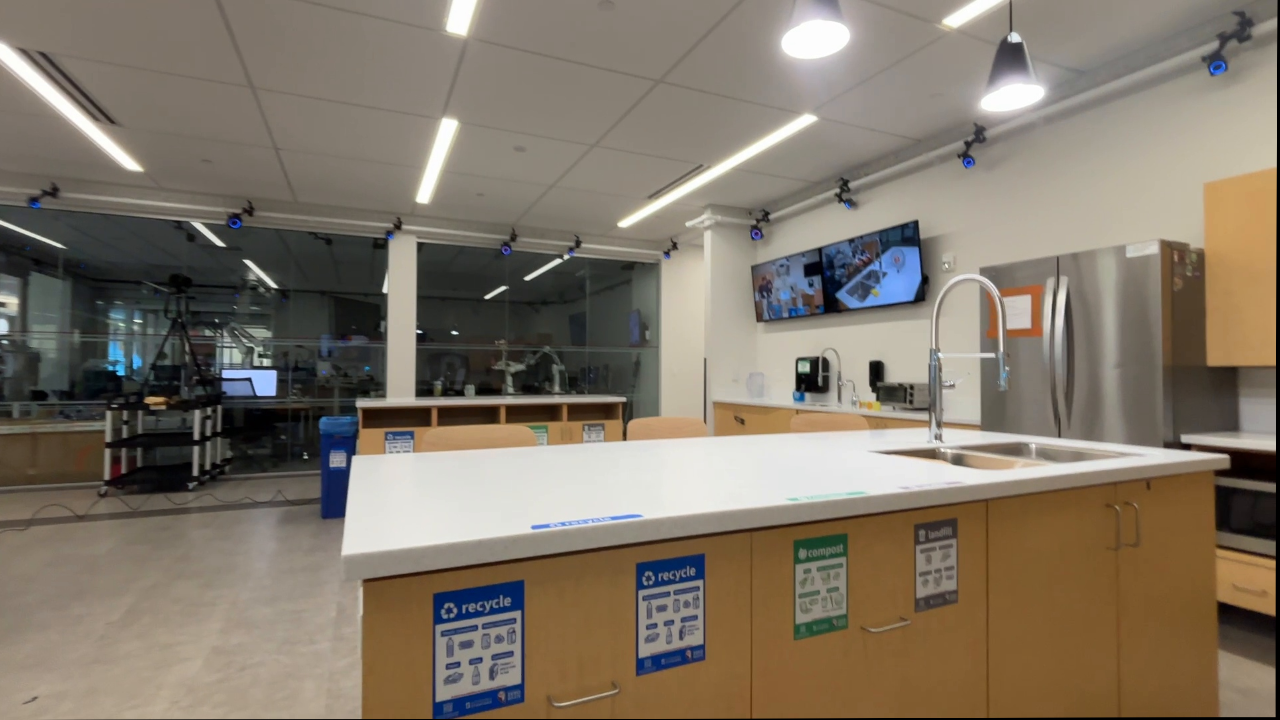
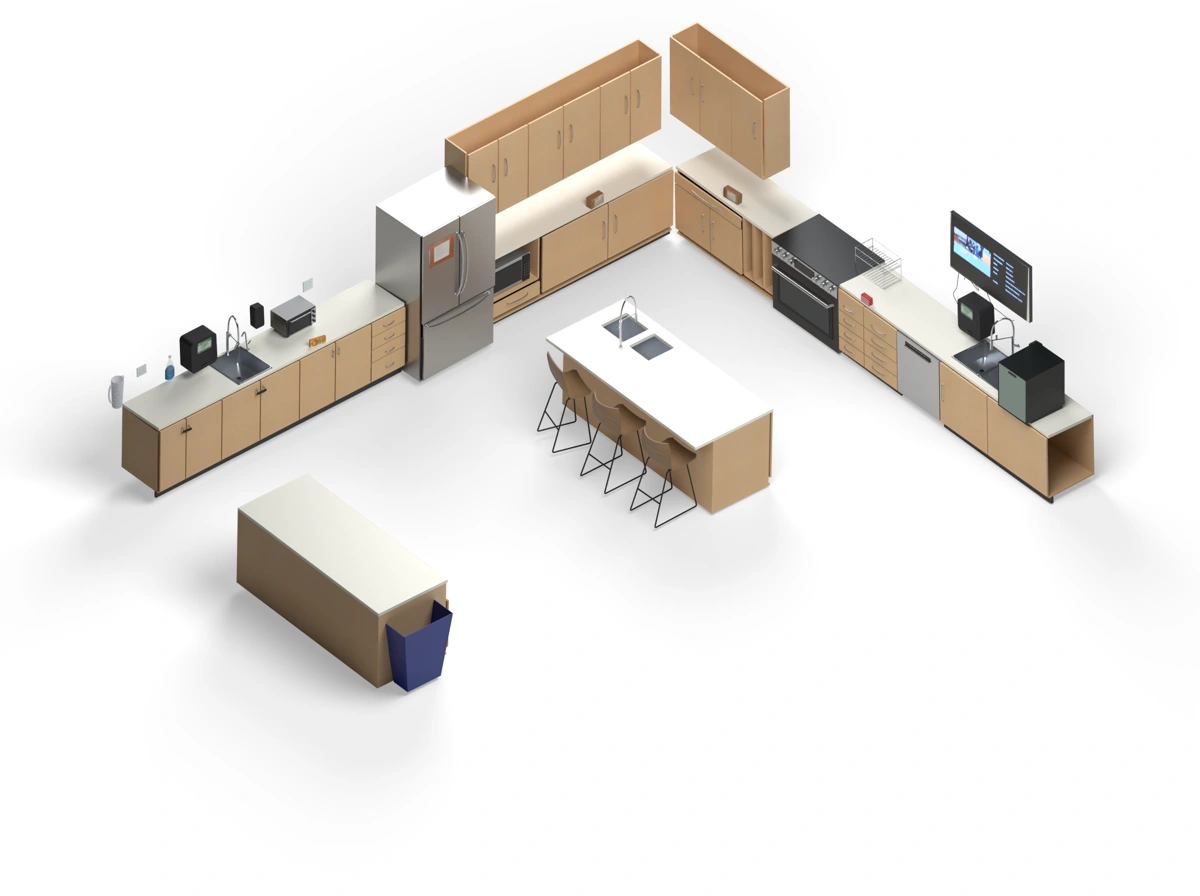
HomeBody uses Astra as its Real2Sim agent to build a digital twin in Isaac Sim [2] from the humanoid’s own collected data. This grounds its observations in a spatial model of the world, helping the high-level VLM reason about locations beyond the ego view. See what accurate Real2Sim reconstruction requires and how the reconstructions compare.

FROM EXPLORATION TO A DIGITAL TWIN
Grounding HomeBody’s Real2Sim agent in data from its own exploration, including SLAM geometry, ego views, joint states and waypoints, helps it build a geometrically, semantically and visually accurate digital twin for reasoning at deployment.

Step 3. Give your humanoid an everyday task

Give the robot an instruction such as “tidy up the kitchen.” HomeBody uses its spatial context to choose actions and targets without an action-level script. Send the instruction below to replay an illustrative cleanup in the digital twin.

Reconstructed kitchenIllustrative rollout
Reconstructed kitchen
Click the room or Send to explore in 3D
HomeBody
Instruction

Tidy up the kitchen. Put the coffee bags on the island and throw away the spoiled cartons.

03

Our Implementation

Exploration, spatial data and reconstruction shown from a shared room view, followed by five kitchen actions with recorded observations and decision phrases.
Expandable skill libraryWatch the humanoid navigate, grasp, place and open drawers. Explore skillsClose library

Navigation, picking, placing and drawer opening form HomeBody’s action vocabulary. Skills share an interface for targets and execution results, so the VLM can compose them at deployment. Local retries and visual feedback correct execution errors.

SKILL 01REAL ROBOT · 1.25×

Pick

Grasp and lift the object selected in the ego image.

SKILL 02REAL ROBOT · 1.25×

Place

Move a held object to a selected 3D release point.

SKILL 03REAL ROBOT · 1.25× · retry

Open drawer

Visually align with the handle, hook it, and walk backward to open the drawer.

SKILL 04REAL ROBOT · 14× → 4×

Pick from drawer

Reach into an open drawer and lift the selected object clear of its edge.

SKILL 05REAL ROBOT · 1.25×

Navigate

Follow a planned route to a location in the Real2Sim map.

Add your own skill

Connect a learned policy, a classical algorithm or another controller through the shared interface. HomeBody’s VLM can chain it with existing skills to carry out new tasks.

Most skill previews are sped up to about 7–10 seconds. Drawer opening and grasping include recorded reattempts. The drawer-pick preview starts with the drawer open and keeps the retries continuous, slowing down for the final successful grasp.

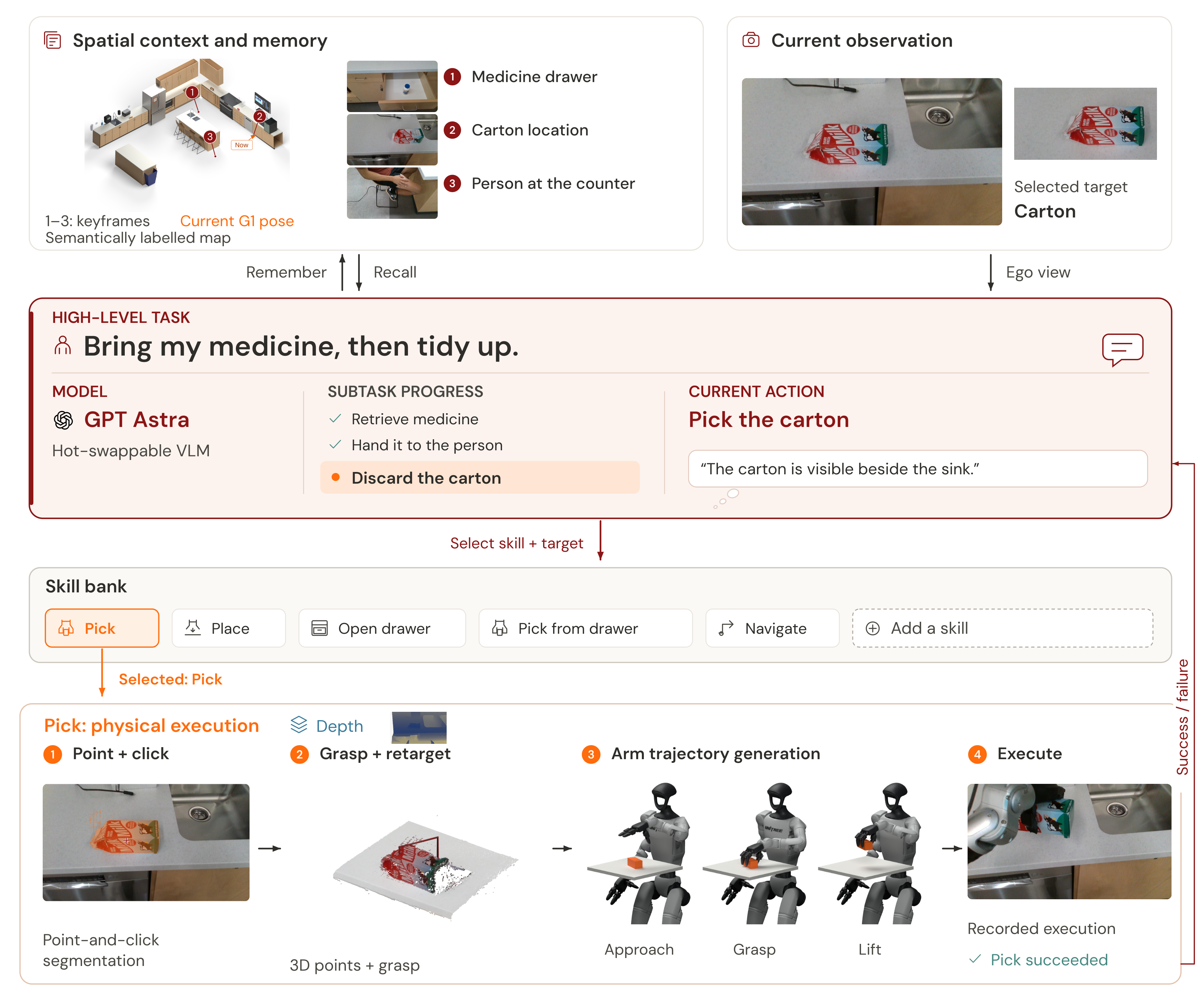
Our Architecture

A central task panel separates the high-level instruction, hot-swappable VLM with Astra identified as the recorded model, subtask progress and current Pick action. Simulation context and current RGB support the decision. An extensible skill bank leads to physical execution.

FAQ

What is required for accurate Real2Sim reconstruction?

Human-recorded video

SLAM reference

HomeBody (Ours)

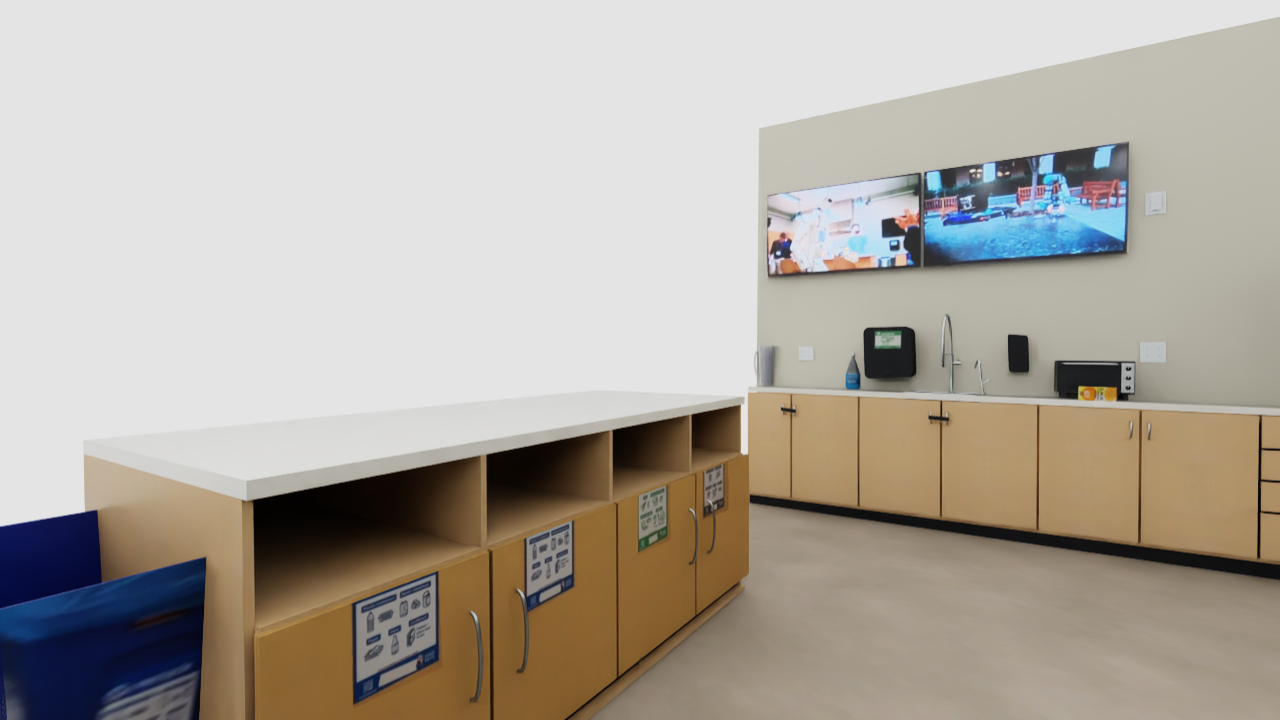
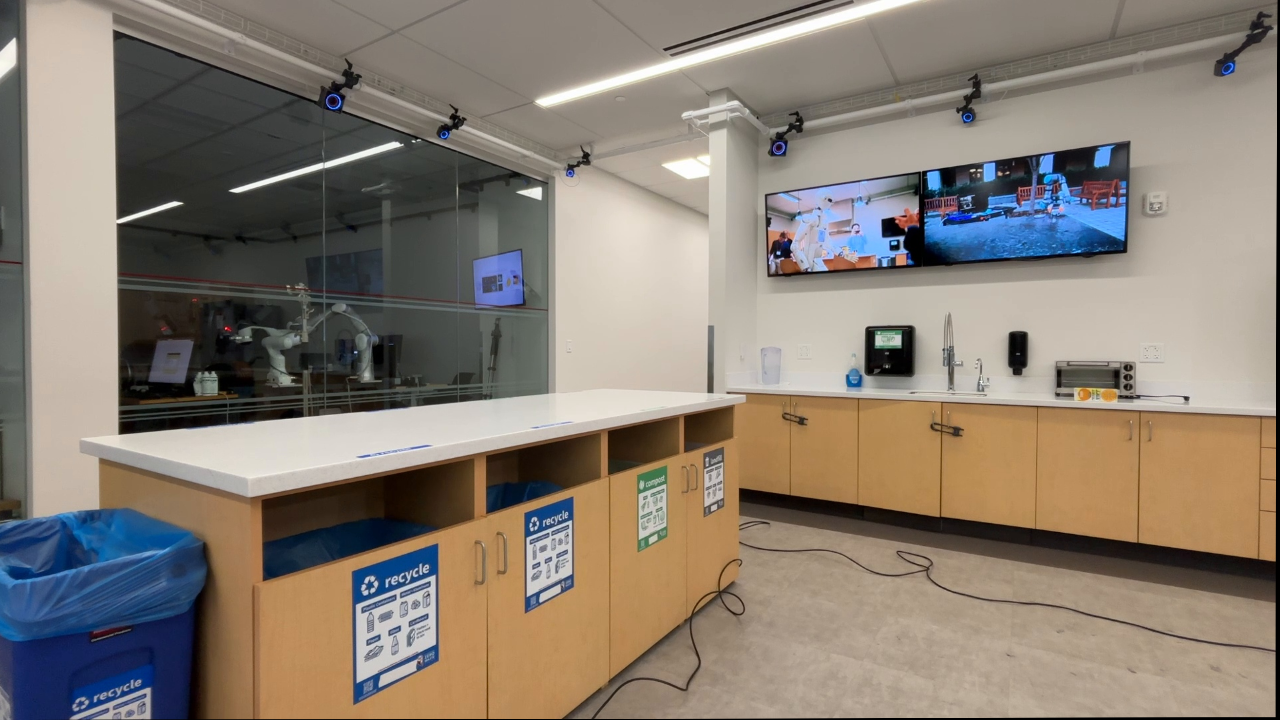
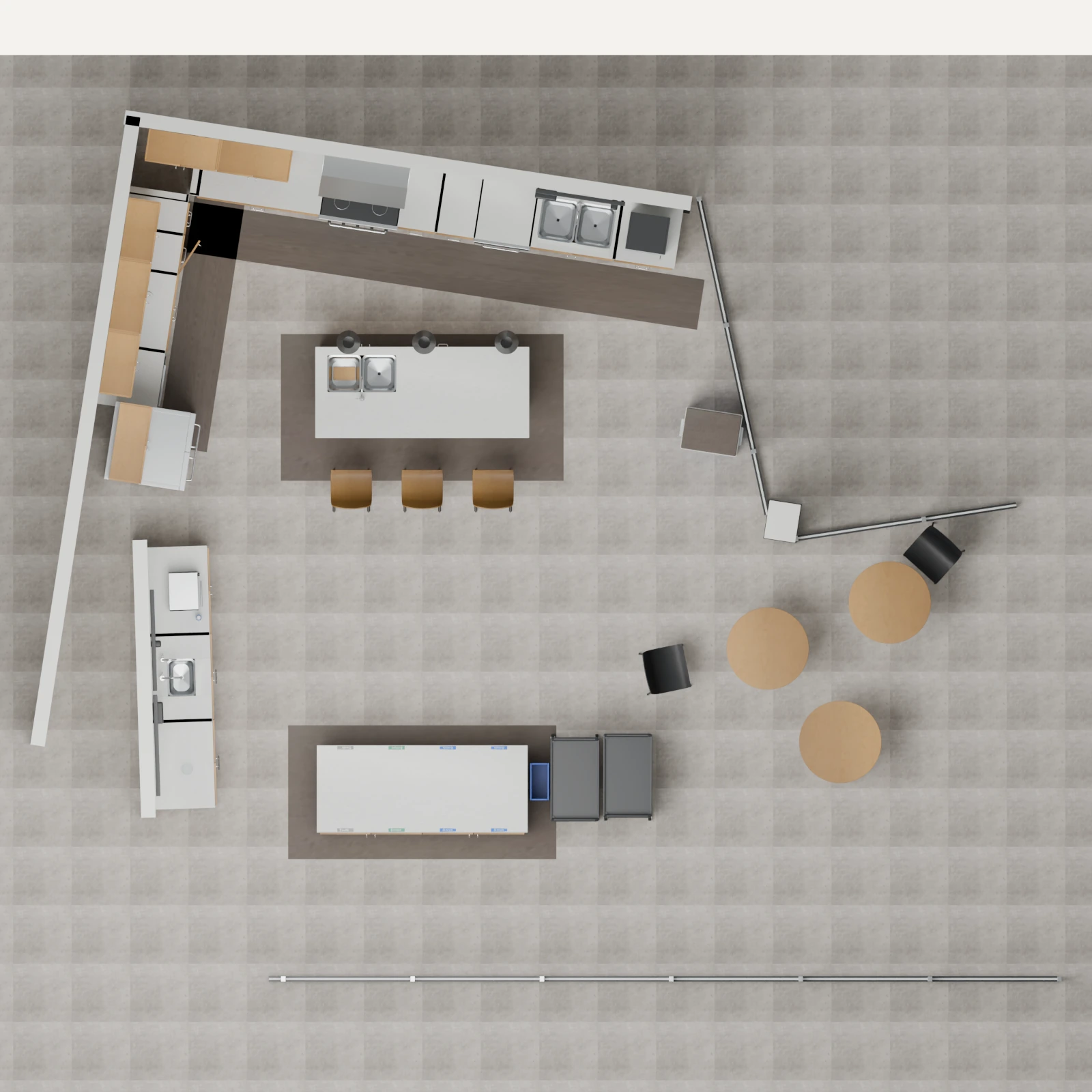
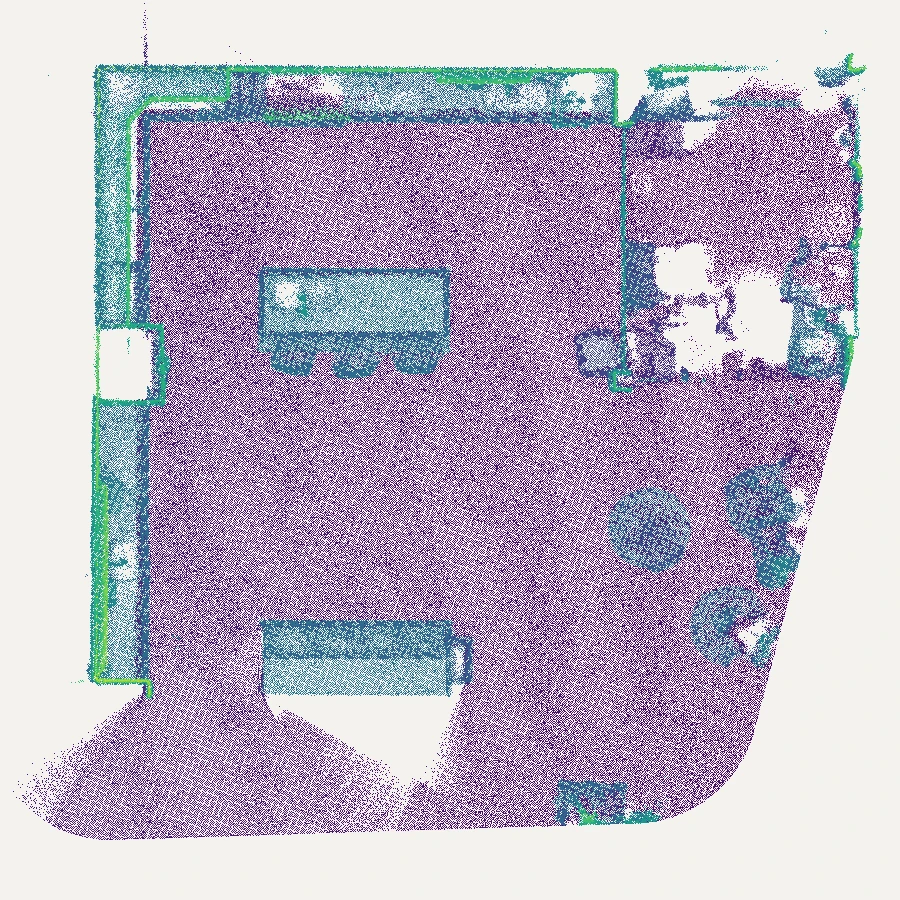
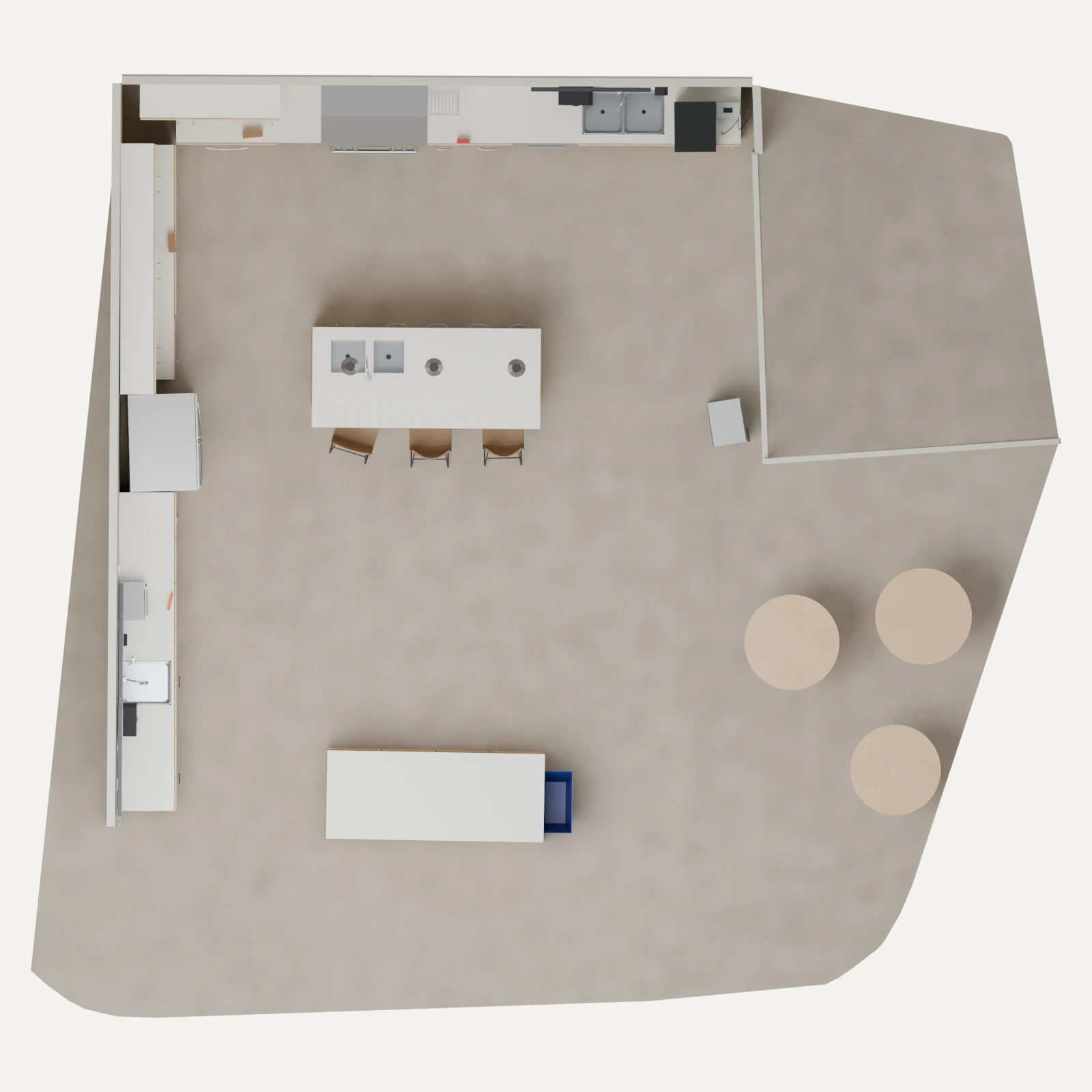
Overhead reconstruction from handheld video, showing the kitchen layout and island. Top-down measured SLAM point cloud in the same orientation and scale as the G1 reconstruction. Colors indicate height. Overhead reconstruction grounded in G1 exploration and SLAM, showing the kitchen layout and island.

Human-recorded video provides rich visual detail for aligning a reconstruction with the room’s appearance. HomeBody also needs accurate geometry to navigate through the room, position the humanoid and reach objects. HomeBody uses the humanoid’s own exploration data as grounding for the Real2Sim agent, including camera observations, measured SLAM geometry, joint poses and selected waypoints. This grounding supports geometrically accurate spatial reasoning alongside semantic understanding of the space.

With video alone, the Real2Sim agent estimates the room’s dimensions from appearance. HomeBody also provides measured geometry from SLAM to constrain those dimensions. The middle and right panels use the same viewing angle and scale so their layouts can be compared directly. Colors in the SLAM map distinguish points at different heights.

How does HomeBody localize in a known environment?

To plan how to complete a task, HomeBody needs to know both where relevant objects are and where the G1 is relative to them. This spatial context helps the planner choose where to move and how to sequence actions across the room. To ground these decisions in a shared coordinate frame, we localize the G1 with Super Odometry [1] and align its SLAM map with the reconstructed simulation using iterative closest point (ICP) registration. HomeBody stores ego camera observations in this shared frame, together with descriptive content. HomeBody can use this spatial information to return to the recorded position.

How does HomeBody turn a VLM decision into physical action?

HomeBody uses spatial targets to connect task reasoning to physical execution. The VLM selects a skill and its target from the current ego view, map context, gripper state, recalled observations and the previous result. It passes this selection through a structured tool call, leaving the skill to plan and execute the motion. The VLM therefore does not need to know the skill’s low-level implementation.

For picking, the call specifies an image point normalized to 0–1000 and which hand to use. The point prompts segmentation [3], while Fast-FoundationStereo [4] estimates depth from D435i stereo images. Camera calibration projects the masked geometry into 3D, where we predict the grasp analytically. To reach that pose, the arm planner builds a spline reference with minimum-jerk timing, solves inverse kinematics along the path and checks the swept motion for collision clearance.

Other skills use targets suited to their actions. Navigation takes a 2D goal and facing point in map coordinates, measured in meters. A placing call specifies which hand to use, a 3D release target in the torso frame and a release distance. The skill moves the held object to the target and opens the hand. Drawer opening combines handle alignment, a hooking posture and backward walking into one skill, coordinating the transition from reaching to pulling.
How does HomeBody correct mistakes and retry?

The target can shift in the camera view as the humanoid approaches. Segmentation identifies the object, and SAM 2.1 tracking with SAMURAI memory selection [5] follows it in subsequent frames. We integrate visual servoing to use these tracking updates to correct alignment during the approach, without requiring a new VLM decision for each adjustment.

If a grasp closes without contact, the pick skill can try another grasp candidate or adjust its stance and replan. These local retries are bounded. When recovery is exhausted or the failure needs a different action, the skill returns the reason to the VLM, which can reposition, choose a new target or change its plan.

HomeBody retries picking up a pill bottle from a drawer.
How does HomeBody coordinate walking and manipulation?

Long-horizon loco-manipulation requires maintaining balance while the upper body reaches and manipulates objects. HomeBody uses pretrained AMO [6] for its upper-body-aware lower-body control, which accounts for arm targets when coordinating the lower body. Arm and hand commands run at 250 Hz, with the AMO policy updated every fifth control tick at 50 Hz.

What compute does HomeBody run on?

The current skills built for HomeBody run alongside perception and motion planning on a single Razer Blade laptop with an RTX 4090 GPU. GPT Astra runs remotely, sending skill requests and targets to the laptop and receiving execution results. This provides a lightweight setup for running HomeBody in the wild, with local skill execution and network access to the frontier model.

Scope and limitations

Real2Sim reconstruction adds setup time and API costs. Task length is also constrained by the humanoid’s reach, manipulation capabilities, and hardware endurance, including finger-servo overheating during extended operation. GPT Astra’s reasoning latency introduces pauses between skills. The current local stack requires an RTX 4090 laptop GPU. Adding heavier perception models or skills may require more compute.

Acknowledgments

Gio Huh is supported by Caltech as a Mark Reinecke SURF Fellow for research on long-horizon humanoid loco-manipulation at The Movement Lab, Stanford University. He participated in Stanford’s Undergraduate Visiting Research Intern (UGVI) program.

We thank the Stanford Robotics Center (SRC) for providing the kitchen space and The Movement Lab (TML) at Stanford University for providing API credits. We thank Alan Yu and Sarthak Kamat for insightful discussion.

References
  1. Super Odometry: IMU-centric LiDAR-Visual-Inertial Estimator for Challenging Environments
  2. NVIDIA Isaac Sim
  3. SAM 2: Segment Anything in Images and Videos
  4. Fast-FoundationStereo: Real-Time Zero-Shot Stereo Matching
  5. SAMURAI: Adapting Segment Anything Model for Zero-Shot Visual Tracking with Motion-Aware Memory
  6. AMO: Adaptive Motion Optimization for Hyper-Dexterous Humanoid Whole-Body Control
Cite this work

Gio Huh, Cayden Gu, Takara E. Truong, C. Karen Liu, and Guy Tevet. “HomeBody: A Humanoid That Explores, Remembers, and Acts on Its Own.” 2026.

BibTeX

@misc{huh2026homebody,
  author = {Huh, Gio and Gu, Cayden and Truong, Takara E. and Liu, C. Karen and Tevet, Guy},
  title = {{HomeBody}: A Humanoid That Explores, Remembers, and Acts on Its Own},
  year = {2026},
  url = {https://tml.stanford.edu/homebody/}
}