Cloak setup guide
Instructions for installing the hardware, calibrating the wrist camera, and running Cloak on an existing DROID system. Select your end effector below.
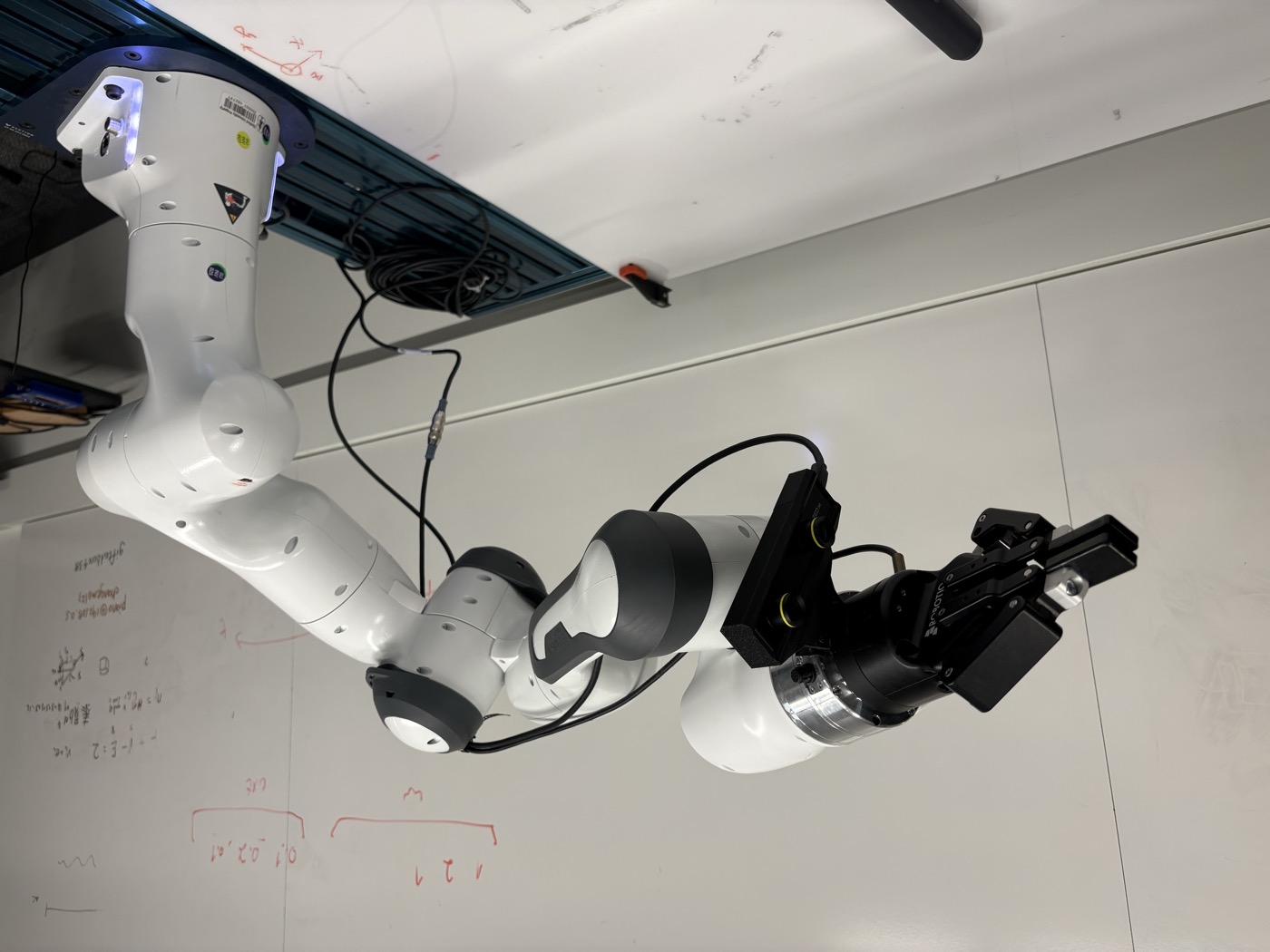
Franka platform
Robotiq
Configure Cloak for the standard DROID Robotiq assembly, including camera calibration and policy deployment.
Open guide →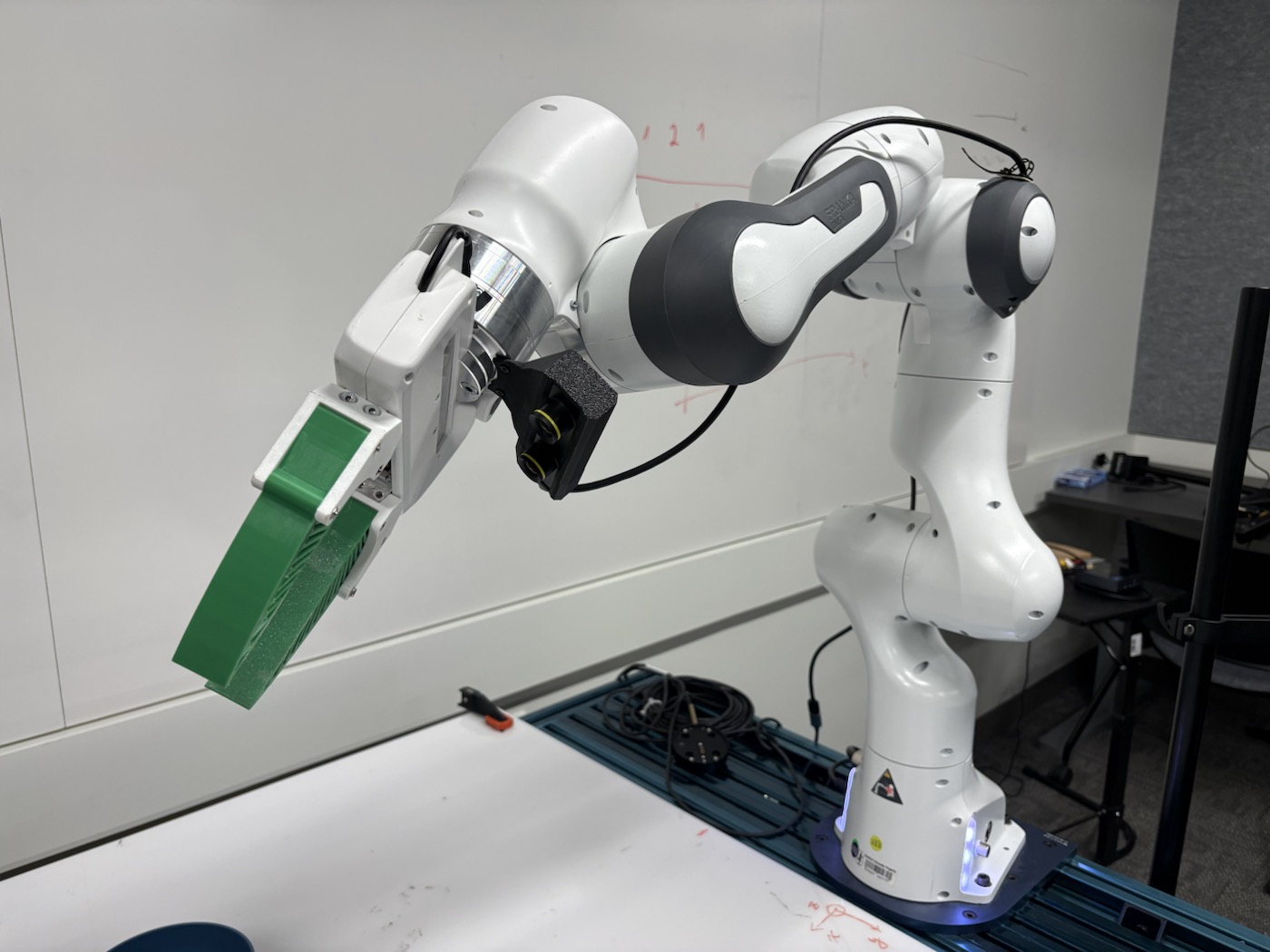
Franka platform
UMI
Use the native Franka Hand with UMI fingertips and a camera mount installed in the UMI orientation.
Open guide →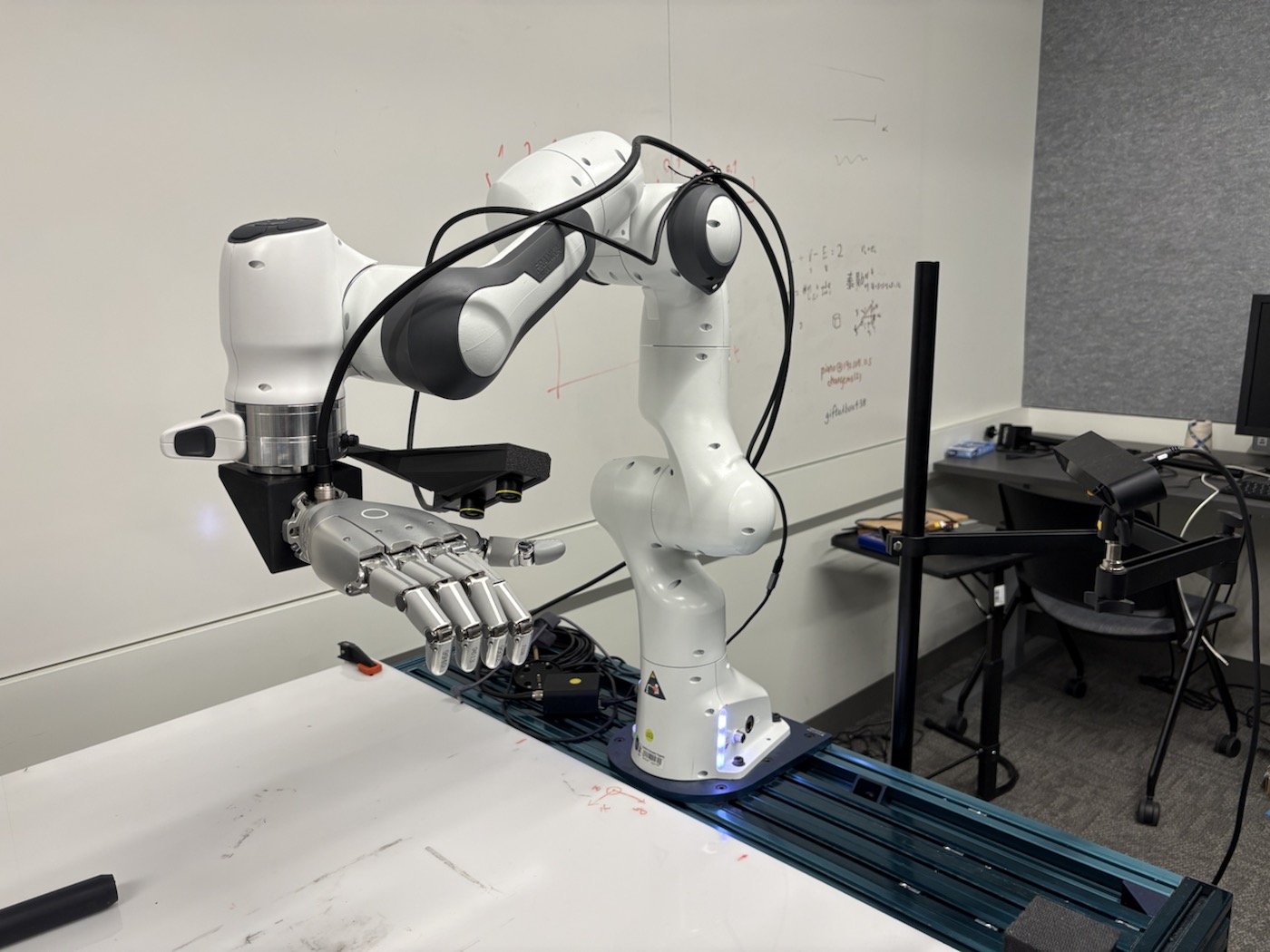
Franka platform
Sharpa
Install the right Sharpa hand on the angled adapter, with the dedicated extended camera bracket.
Open guide →Coming soon
YAM
The YAM installation and deployment guide will be added soon.
View status →The setup sequence
Start with a complete working DROID system. Assemble your end effector, confirm Franka Desk settings, configure the workstation and NUC, calibrate the wrist camera, then run a supervised policy and inspect its mask recording.
Robotiq can stay mounted when it already follows DROID. UMI reuses its camera mount in a different orientation. Sharpa uses a dedicated bracket and angled adapter.